Scan to Word
Scan a document to Word on your iPhone.
Photograph a printed page and get a Word document you can actually edit: real paragraphs, lists and tables, not a picture pasted into a file.
- Editable .docx
- Tables kept
- Works offline
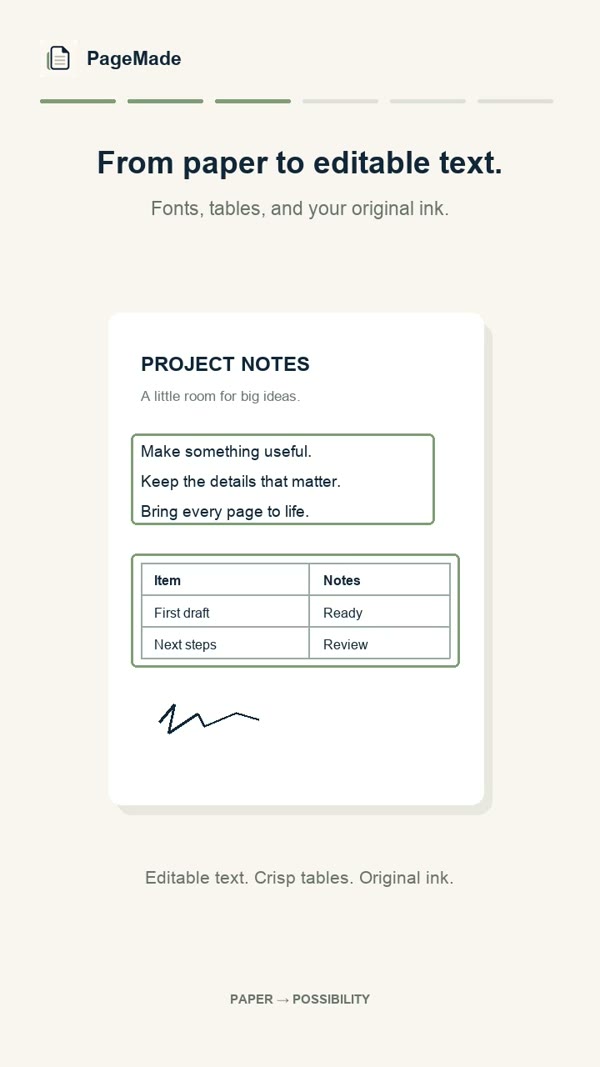
How to scan a page to Word
- Photograph the page.Open PageMade and point your camera at the page. It takes the photo by itself once the page is steady, then straightens it. You can also import photos or PDFs from Photos or Files.
- Check what PageMade read.Words it isn't sure about are flagged. Tap any line or table cell to fix it, with the original photo shown beside it.
- Share as Word.Tap Share, choose Word, and send the .docx to Files, Mail, AirDrop or straight into Microsoft Word, Pages or Google Docs.
Why a rebuilt document beats a scan
A typical scan gives you a photo of the page. PageMade gives you the page itself.
| Picture of the page | PageMade Word document | |
|---|---|---|
| Change a word | Not possible without retyping | Tap and type, in PageMade or in Word |
| Tables | A flat image | Real Word tables with rows and columns |
| Search and copy | Often not possible | Every word is real text |
| Signatures and stamps | Kept | Kept, just as they looked |
Good for
Letters and contracts
Update a name, a date or a clause without retyping the whole page.
Forms and handouts
Turn a printed form into a document you can fill in and reuse.
Recipes and notes
Get old printouts into Word so you can edit, resize and share them.
Questions
Can I open the file in Pages or Google Docs?
Yes. PageMade shares a standard .docx file, which opens in Microsoft Word, Apple Pages, Google Docs and most other word processors.
Can I scan several pages into one document?
Yes. Add more pages as you go, or import up to 20 photos or PDF pages at once. Each page you photograph becomes one page of the document.
Will it get every word right?
Not always. PageMade is very good on clear printed pages, but it can misread a word or number. It flags text it's unsure about, and you should always check the document against the page before you rely on it.
Is it free?
Your first 5 documents are free. After that, PageMade Forever is $19.99 once, with no subscription.