Tables
Turn a photo of a table into a Word table.
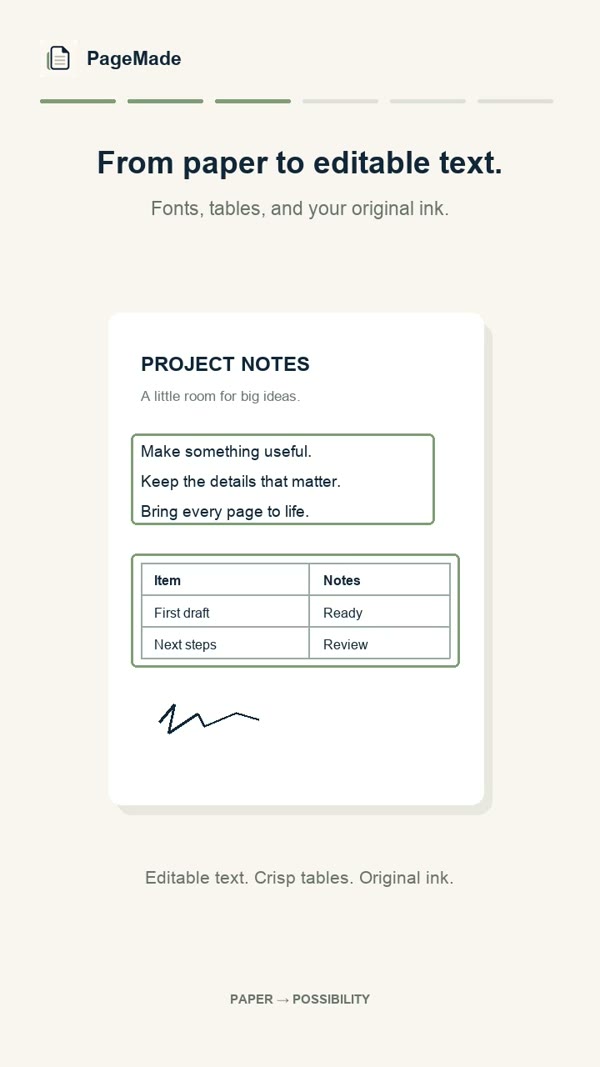
Price lists, schedules, invoices and checklists: photograph the page and PageMade rebuilds the table with its rows and columns, ready to edit in Word.
- Rows and columns
- Merged cells
- Edit any cell
How it works
- Photograph the page with the table.Keep the whole table in the frame. PageMade straightens the page, so a slight angle is fine.
- Check the cells.Tap any cell to fix its text, with the matching part of the photo beside it. Cells PageMade isn't sure about are flagged for you.
- Share as Word.The table arrives in Word as a real table you can sort, resize and keep editing.
Retyping vs. PageMade
| Retyping by hand | PageMade | |
|---|---|---|
| Time | Minutes to hours per table | A photo and a quick check |
| Structure | Rebuild every row and column | Rows, columns and merged cells rebuilt for you |
| Surrounding text | Retype that too | Paragraphs and headings come along |
| Privacy | Private | Also private: it all happens on your device |
Tips for the best tables
Light it evenly
Avoid strong shadows across the grid, especially from your phone.
Get it all in
Include the table's edges so PageMade can see where every column starts and ends.
Check the numbers
Amounts and dates matter most. Compare them with the photo before you send the document.
Questions
Does it work with tables that have no lines?
PageMade does best with tables that have visible lines, including light grey grids. Tables laid out with spacing alone may come out as text in columns, so check the result and adjust it if needed.
Can I edit the table in PageMade before sharing?
Yes. Tap any cell to change its text, then share the document as Word or PDF.
Can I get the table into Excel?
PageMade shares Word and PDF files. You can copy a table from the Word document and paste it into a spreadsheet.