Scan to PDF
Scan a document to PDF on your iPhone.
Photograph a page and share a crisp, straight PDF with real text you can select and search. It looks the same on every device, ready to email, print or file.
- Selectable text
- Straightened pages
- On-device
How to make a PDF from a paper page
- Snap or import.Photograph the page in PageMade, or import photos and PDFs from Photos or Files, up to 20 pages at a time. PageMade finds the edges and straightens each page.
- Review and tidy.Fix any flagged words, reorder or rotate pages, add your signature, and pick a page size like US Letter or A4.
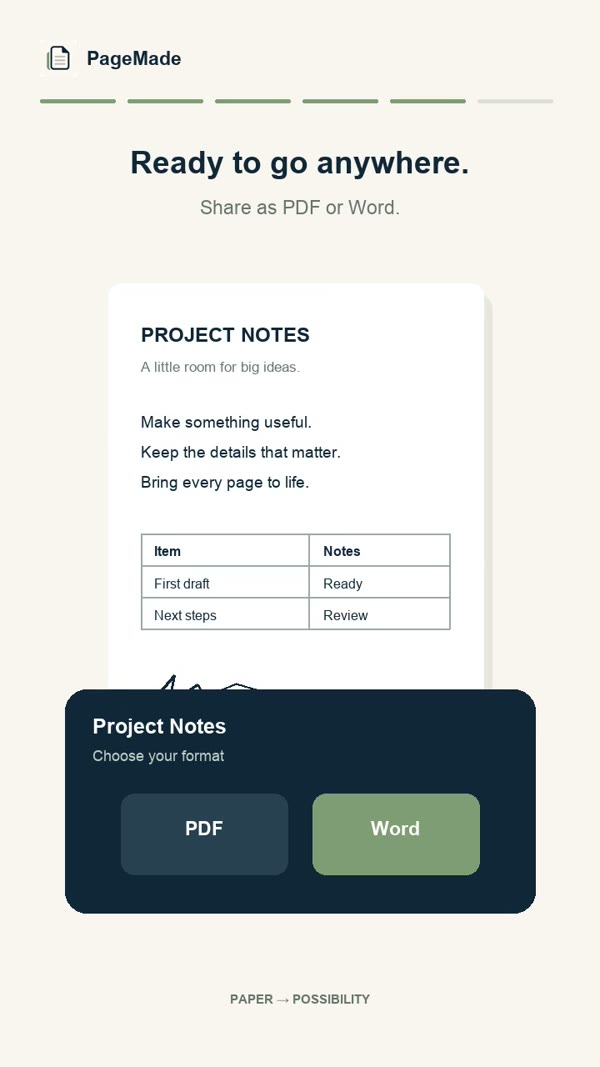
- Share as PDF.Tap Share, choose PDF, and send it to Mail, Messages, Files, iCloud Drive, AirDrop or another app.
What you get in your PDF
Real text
Every word is rebuilt as text, so you can select it, copy it and search for it.
A clean, straight page
No tilted edges, no table top, no shadows: just the page, laid out on the paper size you choose.
Your ink, kept
Signatures, stamps and handwritten notes stay exactly as they looked on the original.
- Page sizes
- US Letter, A4, Legal, A5, Half Letter, Index card and Card
- Pages per import
- Up to 20 photos or PDF pages at a time
- Where it's made
- On your iPhone or iPad, with no upload
- Also shares as
- An editable Word document, or the original photo
Questions
Can I sign the PDF?
You can draw your signature once and place it on any page before you share. It's a picture of your signature, not a certified digital signature.
PDF or Word: which should I pick?
PDF when you want the document to look identical everywhere, for sending, printing or filing. Word when someone will keep editing it. PageMade can share the same document either way.
Do I need an internet connection?
No. Everything happens on your device. You only need a connection to send the PDF somewhere online.